How to use Asus Zenfone 5 as modem to Connect to Internet from PC
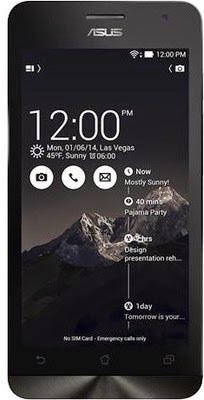
Asus Zenfine 5 A501CG is available in two variants based on the internal storage capacity. One is 8GB and another one is 16GB. The device is powered by 1.6 GHz Intel Atom Z2560 Processor with Intel Hyper Threading Technology, Dual Core with 1GB of RAM. It has 5 inch 720p resolution Corning Gorilla Glass protected display, 8MP primary camera and 2MP front facing camera. It houses Li-ion 2110 mAh battery. It is most of the popular connectivity features. In this post we see how to use Asus Zenfone 5 as modem to connect to Internet from PC. How to use Asus Zenfine 5 as Modem There are three ways through which you can share the mobile data of Zenfone 5 with other devices. WiFi hotspot, USB tethering and Bluetooth Tethering. How to use Asus Zenfone 5 as WiFi hotspot To use Asus Zenfone 5 as WiFi hotspot, you need to have active mobile data and enable it. Now follow the step given below. Zenfone 5 WiFi hotspot is useful in sharing the data with WiFi enabled devices such as iPad m...
